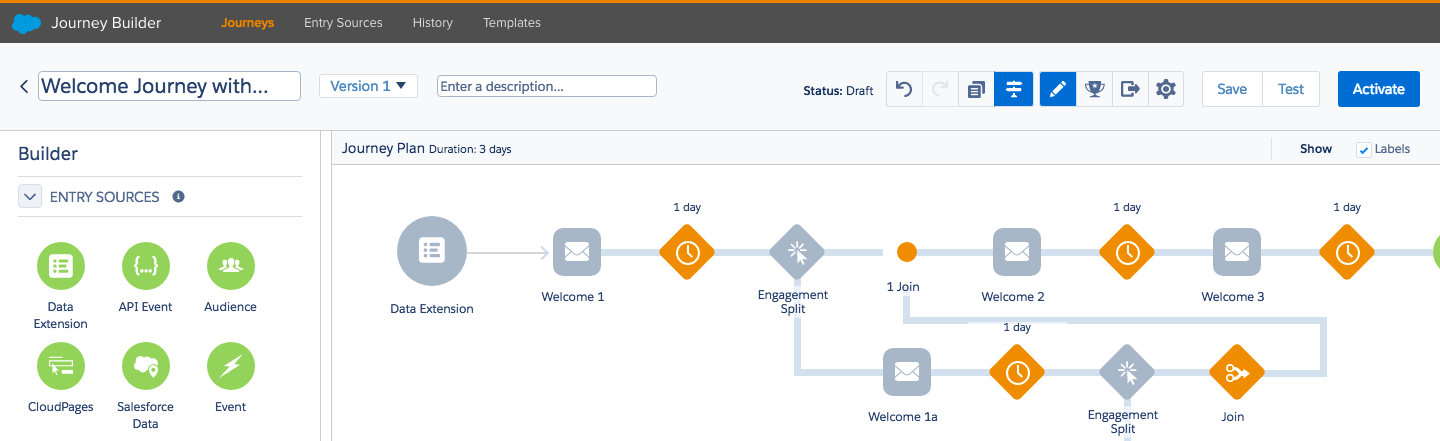
Little is told about the fine tuning of Journeys in Journey Builder. I say “fine tuning”, I should rather say essentials!
When you create a journey with a Salesforce Data Entry Source, you need to first select the object you want to use, either Leads, Contacts or Person Accounts (more on that on another piece of writing coming soon^^).
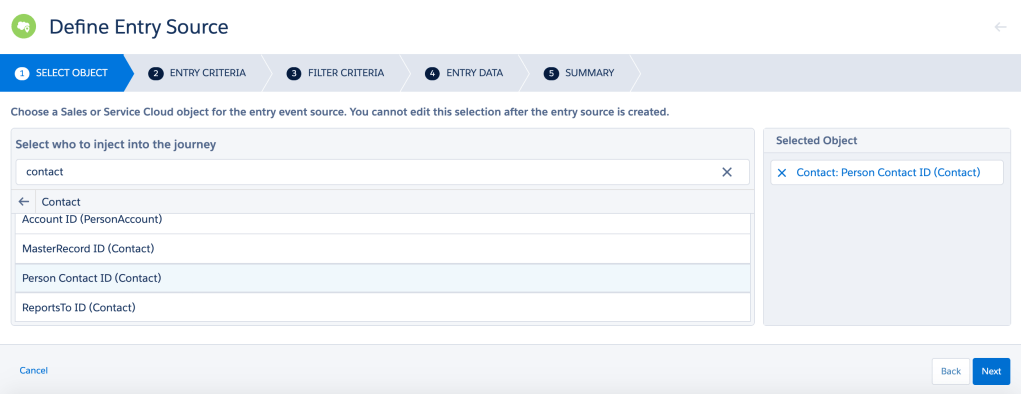
Now, it’s time to determine criteria… and that’s what this post is about. It seems like a “Captain Obvious” thing, but believe or not, it took me a long time to figure it out!
When you set up an Entry Criteria, you notice that you have the choice between “Is Created” or/and “Is Updated”. Are we talking about Objects or Fields, you might ask yourself? Actually, the two of them…
When “Is Created” is ticked, it refers to the Object creation.
When “Is Updated” is ticked, it refers to the Field of the Object update.
Sure, for the “Is Created” condition things are quite clear: when a new contact record is created, the record enters the journey.
For the “Is Updated” condition, it is important to understand that the record will enter the journey only when the specified field is updated. It has nothing to do with the update of other fields of the record. Let’s take the example here below:
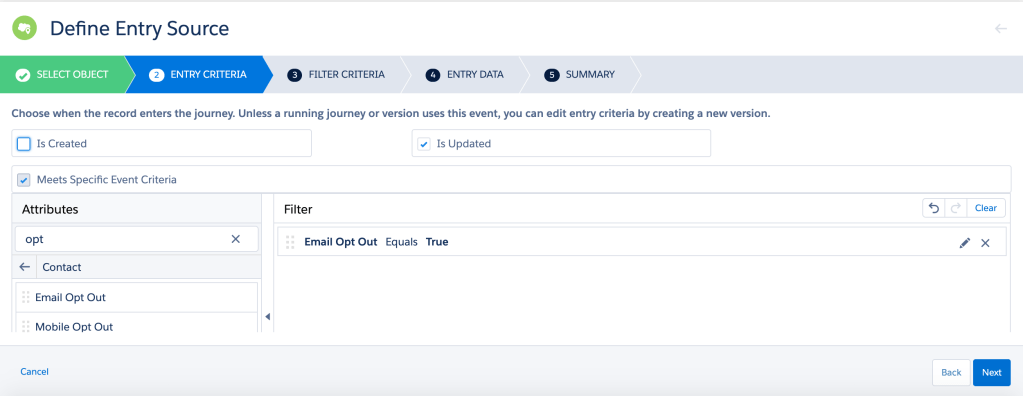
The Contact record will enter the journey only when the “Email Opt Out” field is updated (=True). In the case where another field of the Contact record is updated and that “Email Opt Out” was already equal to “True”, the Contact record would not enter the journey. That’s a nuance that it important to understand in order to make your Marketer’s life easier when creating journeys ^^.
If you want a bunch of Contact Records having already “Email Opt Out = True” to enter your journey, a solution is to use “Data Loader”. Create a report isolating records you need to update. Make sure you include the Record ID in the report. Download it in a CSV file format. Update the field as wanted and upload it back with Data Loader. N.B.: your journey must be active before uploading the CSV file!
There you go, I hope this little tip will help you through this powerful yet complex tool!
Right, I am off to the Marketing Cloud Consultant Certification Exam. Wish me luck!
UPDATE 05.08.2020
I met another limitation in terms of Criteria interpretation in Journey Builder. The documentation is a little misleading when it states: “The rule does not run when a record that previously met rule criteria is updated”. Makes it sound like a record can’t qualify again.
So for “updated” to work, the record needs to be updated from something different than the entry criteria condition, to something that equals the condition. For example, entry criteria is “some_number_field > 0”. If the value is 1 for first entry and you change to 2, it wont trigger and re-enter. You would need to change that value to 0 to disqualify and then to 2 (or anything greater than 0) in order to qualify.
I found the explanation above on Salesforce Stack Exchange, provided by Josh De Blank, here. Cheers!
 Salesforce Marketing Cloud, the unsaid.